 QuickMerge
An Android phone can receive HEIC files through email, cloud storage or another person’s camera. The photo may open in one app while a submission form rejects it. In that case, create a JPG copy and select that new file when submitting.
Make the original available to the file picker
Download the attachment or cloud original first. If the system’s photo view hides HEIC, switch to a file-browsing location such as Downloads when the picker offers it. Folder names and picker options vary between Android versions and device manufacturers.
Check the file’s extension and size in Files. A cloud shortcut, web-page download or screenshot of the photo is not the same source. Renaming the extension to JPG will not make the bytes readable by a JPG-only form.
Convert one photo, then a small batch
- Open HEIC Converter in your browser and select the downloaded HEIC.
- Choose JPG, start the conversion and keep the tab in the foreground while it works.
- Download the result and open it from the browser’s downloads list.
- If the test copy is correct, process the remaining files in a small batch and check each queue result.
Phone memory is limited. Several high-resolution photos can need substantial decoded memory even if the files themselves look small. If the browser reloads or closes the tab, return to the original and convert fewer files at a time.
Share the converted file, not a preview
A messaging app may compress a photo again when sent as an image. When the recipient needs the exact saved bytes, use its document/file sharing option if available, or select the downloaded JPG directly in the receiving form. Check the form’s byte and dimension limits separately.
Handle a decode failure without losing the source
Try the failing file on its own and make sure its download finished. If the browser decoder cannot read that HEIC variant, export a JPEG from a native application that can open the original. Do not assume every HEIF feature is supported by every browser library.
Inspect orientation, visible detail and color in the saved JPG. Camera metadata and auxiliary information may change or disappear during conversion. Preserve the original for editing; a compatible delivery copy is not a full backup of a camera file.
Sources and checks
An Android app can use the system photo picker to receive only selected photos. Broad library access is not mandatory for every converter; read the actual permission request. Android: selected-photo access.
A checked example
Synthetic examples checked in Chromium on Linux, September 9, 2026. The HEIC input is a licensed sample.
Use this verified JPG download to distinguish a saved JPEG from its HEIC source. It is a 1280 × 854 landscape image. Select the downloaded JPG in the receiving form and check its preview; selecting the original from Recents repeats the original format problem.
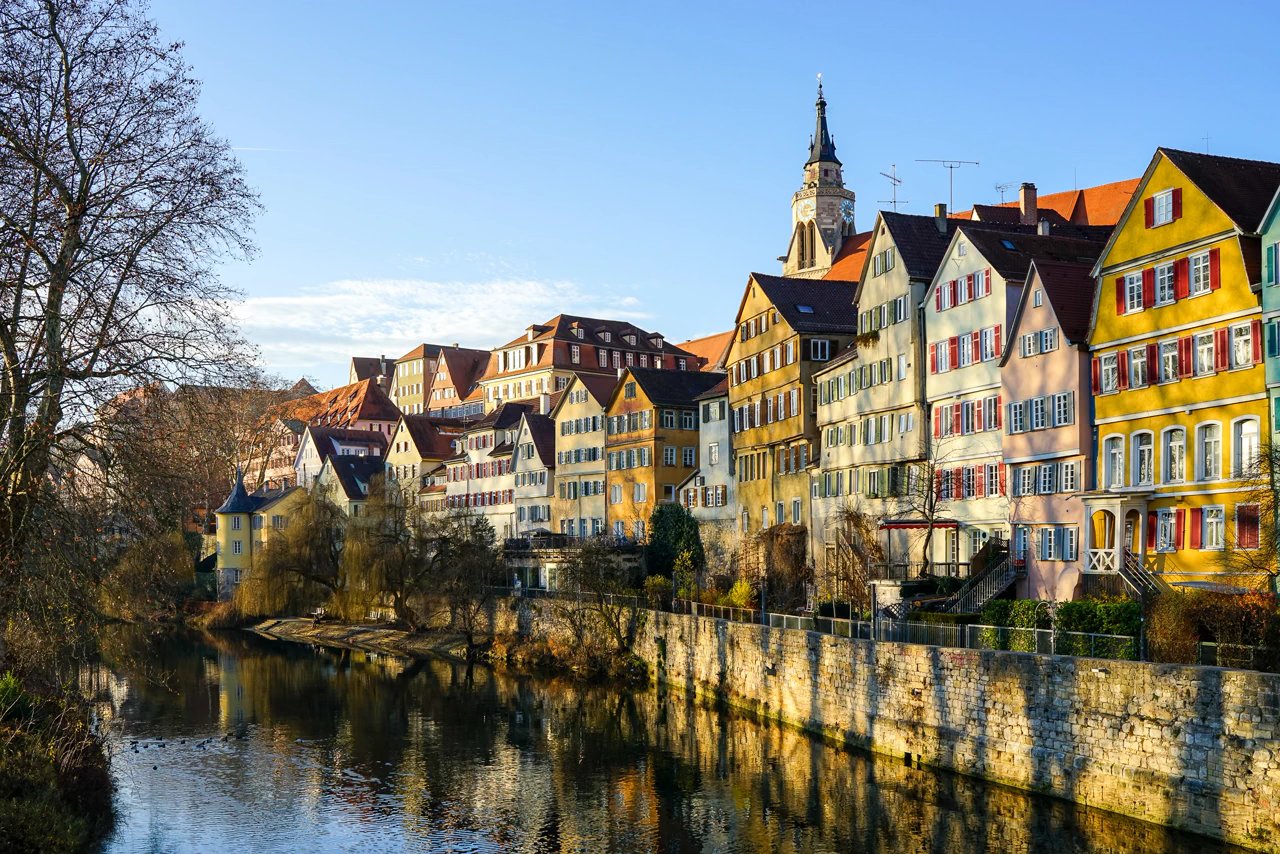
When a HEIC contains multiple images, this tool saves only the first decoded image. Preserve the original container.
Frequently asked questions
The HEIC is visible in Gallery but absent from the picker. Why?
The picker may filter the photo view or the image may still be cloud-only. Download the original and try the picker’s file-browsing view.
Will the website need my entire photo library?
Use the system picker to select the files needed for the task. This browser workflow reads selected files; it does not require a full-library import.
Can I convert Live Photo motion to JPG?
JPG is a still-image format. Do not expect motion, depth or other auxiliary camera data to survive a still-image conversion.
Before you finish
Use the checks above on the saved result before replacing your original.
Content revised .
Added inspected example outputs and corrected the relevant workflow limitations.

Maintained by Mehran
Founder of QuickMerge. Responsible for this guide and its corrections. Connect on LinkedIn.
Spotted an error? Report a correction. How these guides are written, tested and cited is set out in the editorial policy.